ForgiaCraft X Guide
Guess who's back
Requirements
- Paid license for Minecraft Java Edition
- Modrinth-compatible launcher (e.g., ATLauncher)
Installation
Paid License
- Download and install a compatible launcher. This guide uses ATLauncher as an example, but any launcher that supports downloading modpacks from Modrinth should work.
- Link: ATLauncher
- If prompted, log in with your Microsoft credentials to use your Minecraft license.
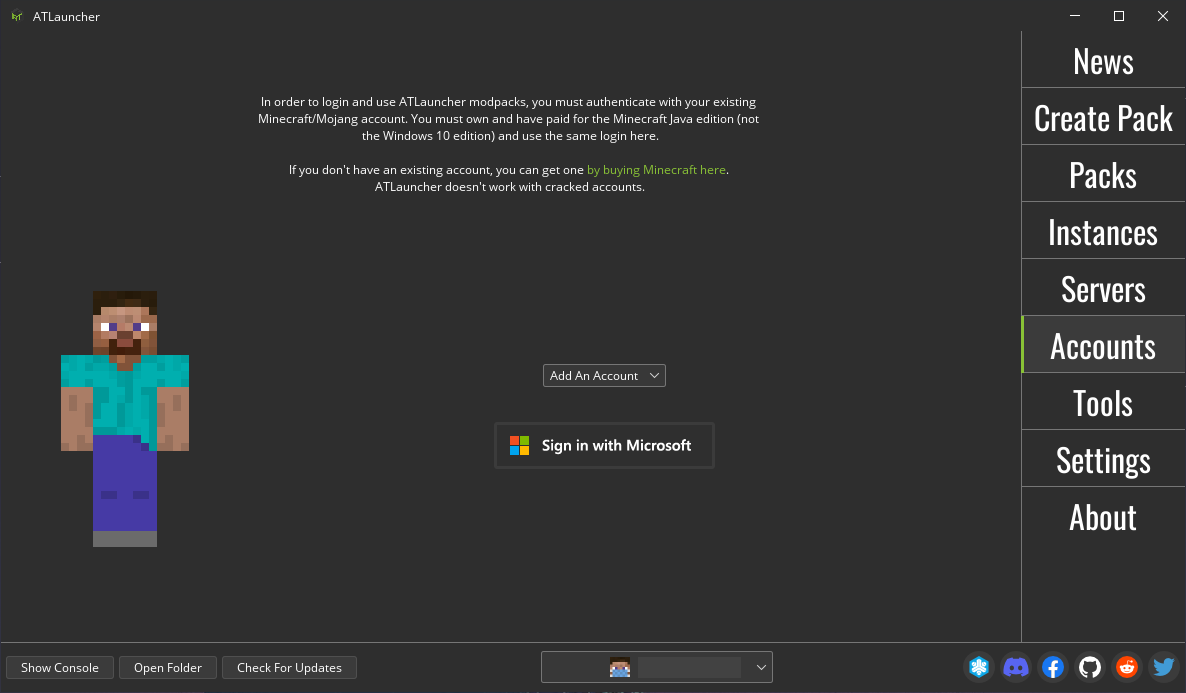
- Find the modpack search section, possibly in the Modrinth section. For ATLauncher:
- Click "Packs" in the right menu
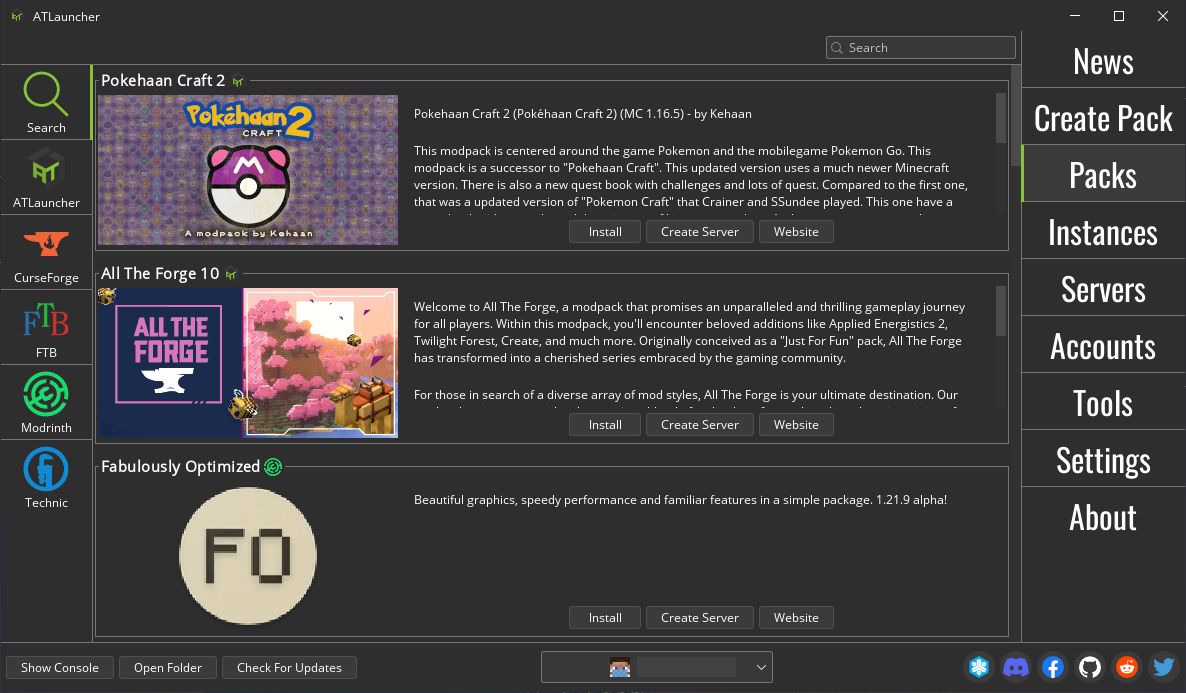
- Click "Modrinth" in the left menu
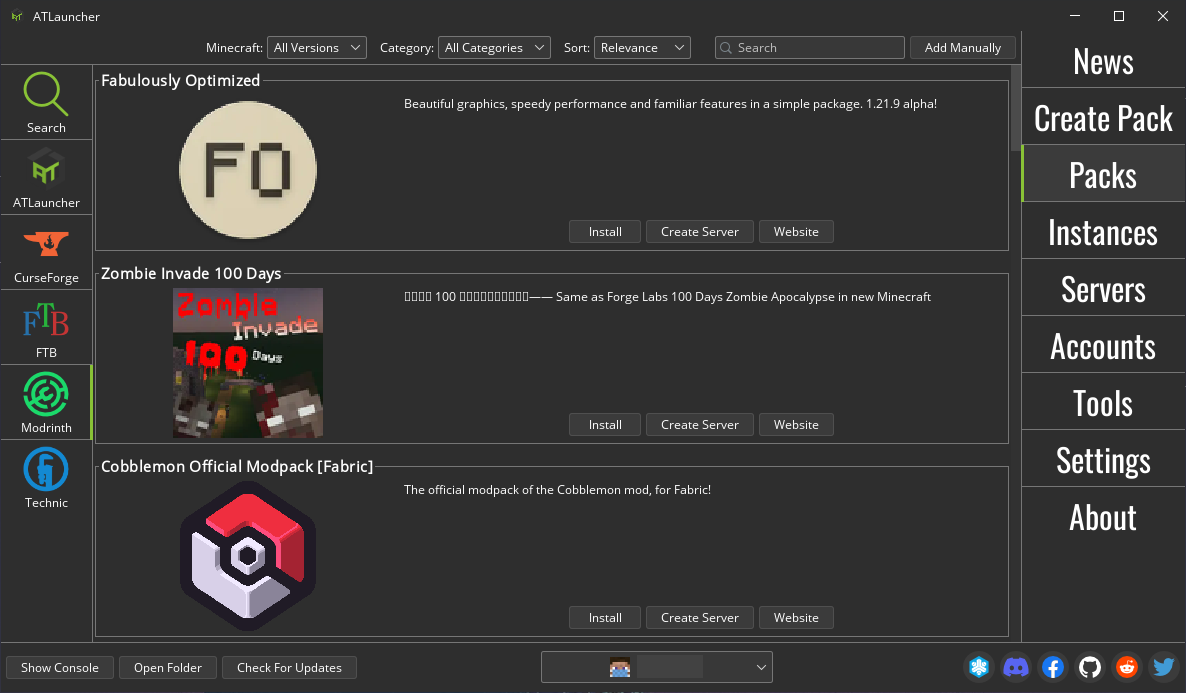
- Search for "ForgiaCraft X" in the search bar at the top right
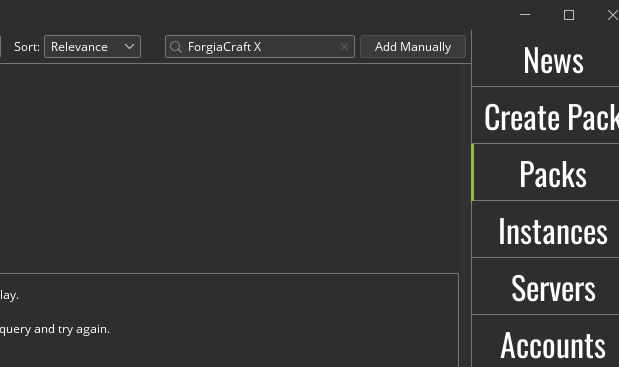
- Click "Install" and select the latest available version
- Click "Packs" in the right menu
- Launch the modpack. For ATLauncher:
- Click "Instances" in the right menu
- Click "Play" in the ForgiaCraft X section
- Done!
If anyone wants to use another launcher and document the process, it will be included in this guide.
For further support, you can write in the dedicated group and/or ask Pit and Davide Merli.
Updates
Sometimes it will be necessary to update the modpack, for example in case of mod or config changes. For ATLauncher, you'll need to click "Update" in the ForgiaCraft X section.
Gameplay
ForgiaCraft X is set on a large island. For this reason, it is suggested to use the integrated voice chat on the server to interact and cooperate with other players. If you need help, each player will be provided with a welcome book with some tips on the game.
If you want to leave the island, at your own risk.